Eine der riskantesten Haar-Entscheidungen
Probiere einen Pony aus, bevor du die Fransen schneidest
Ein Pony verändert dein Gesichts-Framing sofort. Teste Curtain Bangs, glatte Fransen, seitliche Ponys und weichere Varianten an deinem eigenen Foto, bevor du dich festlegst.
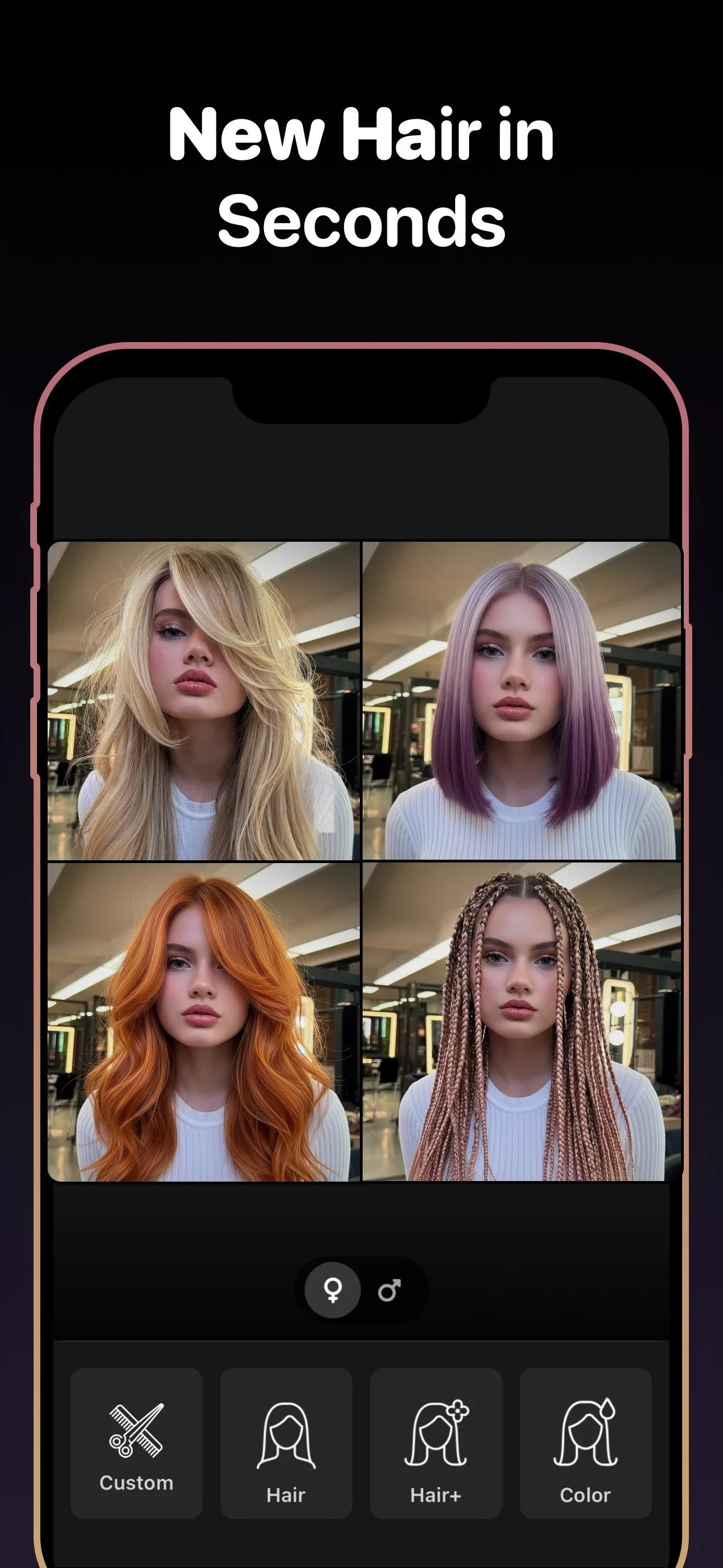
Sieh dir die App an, bevor du es ausprobierst
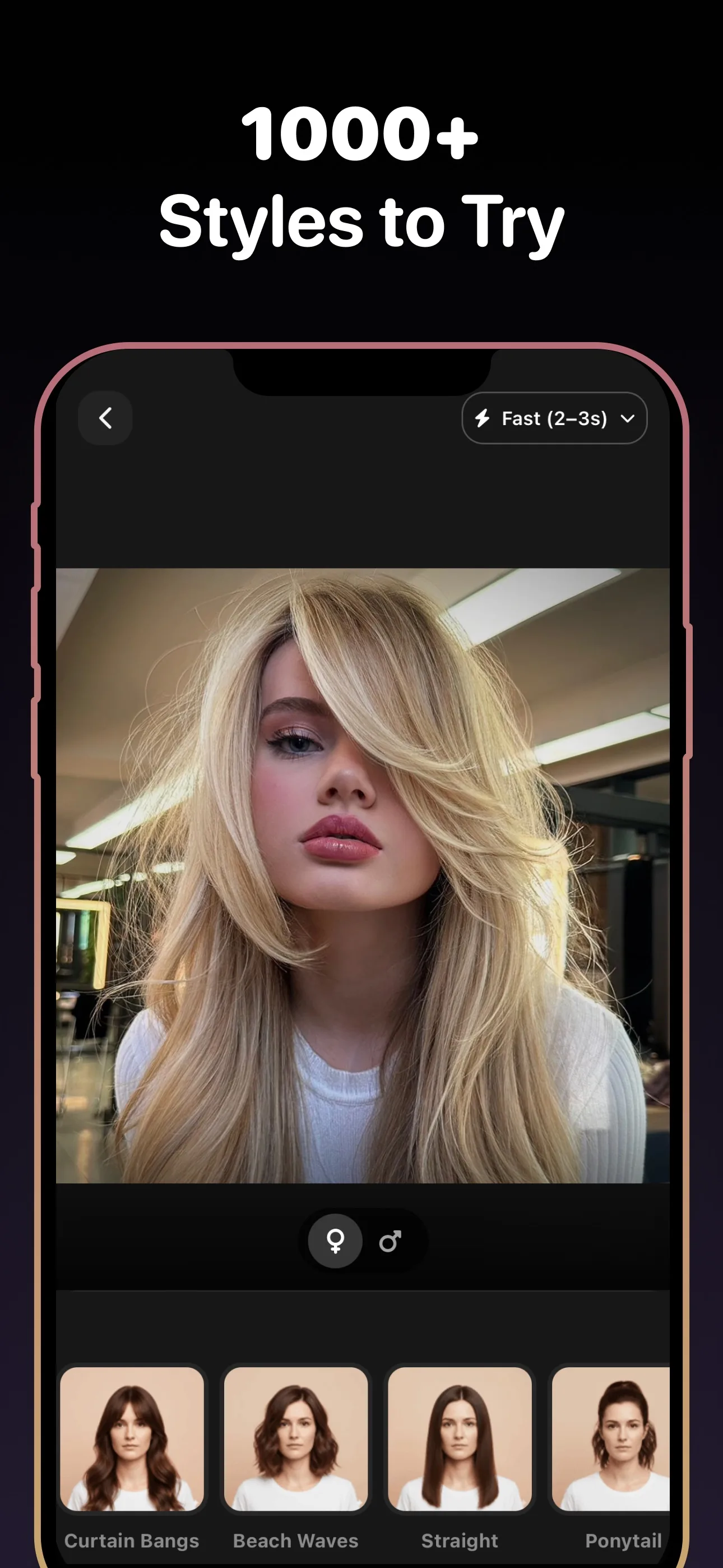
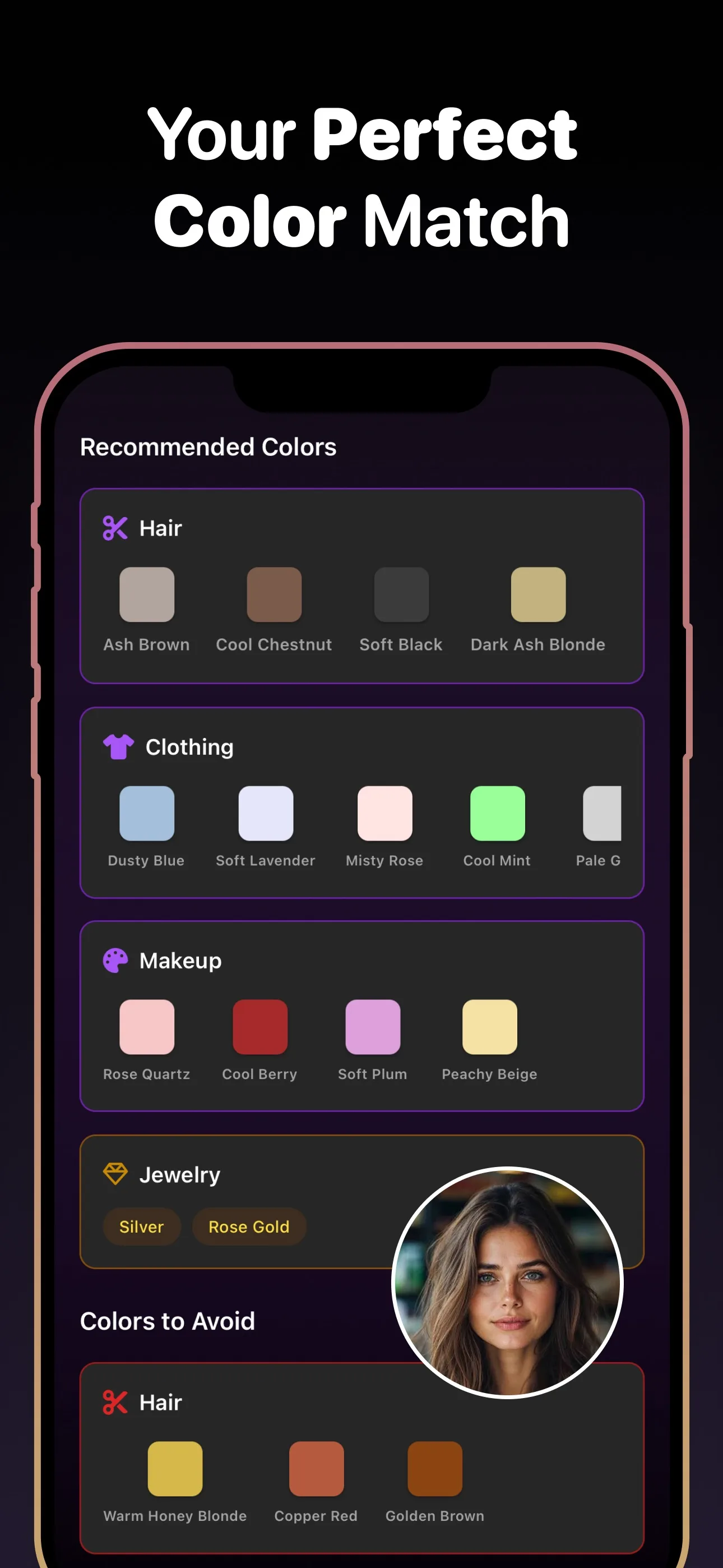
- Styles zum Testen
- 89+
- Haarfarben
- 30+
- Zum Herunterladen
- Kostenlos
Anwendungsfälle
Pony-Stile für die Vorschau
- Curtain Bangs
- Side Bangs
- Wispy Bangs
- Blunt Bangs
- Micro Bangs
- Long Fringe
Warum es wichtig ist
Warum Menschen einen Pony zuerst ausprobieren wollen
Ein Pony ist schwer vorstellbar
Eine Fransenfrisur kann deine Gesichtsform völlig verändern, und es ist schwer, das an dem Foto von jemand anderem zu beurteilen.
Ein Pony wächst langsam
Wenn dir das Ergebnis nicht gefällt, lebst du eine Weile damit. Eine Vorschau vorab verringert dieses Risiko.
Kleine Unterschiede zählen
Curtain, glatte, wispy und seitliche Ponys können sich völlig unterschiedlich anfühlen, auch wenn sie ähnlich klingen.
Was du vor der Entscheidung wissen solltest
Ein Pony ist der Haarschnitt, der am schwersten im Voraus vorstellbar ist
Kaum eine Veränderung verändert die Wirkung deines Gesichts stärker als ein Pony. Selbst eine kleine Fransen-Anpassung verändert, wie deine Stirn, deine Augen und deine Wangenknochen wirken. Es lohnt sich, das an deinem eigenen Gesicht zu sehen, bevor die Schere die Vorderseite deiner Haare berührt.
Nutze die Vorschau, um die richtige Art von Pony zu wählen
Das Ziel ist nicht nur, Ja oder Nein zum Pony zu sagen. Es geht darum, zu entscheiden, welche Art am besten zu dir passt. Curtain Bangs gegen glatte oder seitlich gestylte Varianten zu testen kann schnell zeigen, welche Richtung an deinem Gesicht ausgewogen wirkt.
Häufig Gestellte Fragen
Kann ich einen Pony wirklich an meinem Foto ausprobieren?
Ja. Lade ein Selfie hoch und sieh dir mehrere Pony-Stile an deinem eigenen Gesicht an, bevor du dich entscheidest.
Welche Arten von Pony kann ich in der Vorschau sehen?
Du kannst Curtain Bangs, seitliche Ponys, glatte Ponys, wispy Ponys und andere Fransen-Varianten testen.
Ist das besser als ein einfacher Pony-Filter?
Ja. Das Ziel ist eine nützlichere, entscheidungsreife Vorschau statt eines schnellen Spaßeffekts.
Kann ich die Pony-Vorschau für meinen Stylisten speichern?
Ja. Die beste Vorschau zu speichern hilft dir, genau zu erklären, welche Art von Fransen du willst.
Probiere einen Pony an deinem Foto kostenlos aus
Probiere neue Frisuren, Haarfarben und Bartstile auf deinem Foto aus — mit KI. Kostenloser Download.
Zum Herunterladen scannen
Richte die Kamera deines Handys auf einen Code

